The GTK2 Software Directory
This page was created 10/09/25
This page was last modified 06/03/26
Expect this page to become a full directory for GTK2 software (and some GTK3 software that looks good on GTK2 themes). Also stay tuned for forks of older applications that will work on more modern systems. These forks will provide fixes for the application (for instance, my transmission "fork" has a better tray icon), but do not expect any guarantees for stability and security (outdated applications may have unpatched vulnerabilities that I am unable to detect/fix).
How do you even use GTK2 or "rice" it?
See this (archived) article on the Furude Shrine (archived) website. It goes into depth on how to "rice" (customise) the XFCE4 desktop, explaining how to install themes and so on.
I have a few articles in the works on how to create your own GTK2 theme/modify an existing one, and how to make/fork GTK2 software.
Why GTK2?
Because GTK2 allows for the most theming, customisability, and it isn't full of bloat.
GTK2 should've never been phased out
Unfortunately, what we see these days with GTK4 is that the GNOME developers want to appeal to users that do not even exist. Statistically, most Linux users just use a laptop screen or computer monitor. The number of people using a phone or tablet on Linux is very low, and not what the actual operating system was designed for. GTK2 is designed only for non-touch monitors (though you can use touch, the buttons are just a bit smaller) which is what the majority of people use Linux for. People on a phone or tablet will be using Android. So in my opinion, there are a few things that could've solved this problem:
- GTK2 gets a "tablet" mode, which increases button sizes
- The better of the two options: Leave GTK2 as it is, and users who want to run apps with proper touchscreen support just emulate Android applications, or just stop being retarded and use a normal android phone/tablet
But what if someone is using linux in their car touchscreen? What about digital artists? What about using "desktop" linux on a phone? Well nothing! Suiting an operating system to multiple devices will inevitably fail. You either have to have different entire graphical toolkits/interfaces or just use an entirely different operating system in general (Android was made for a reason and even supports desktop linux applications anyway).
The end goal
My aim is to make GTK2 as easy to use meaning:
- It is easy to install all useful GTK2 programs
- All relevant software has a GTK2 alternative (Pale Moon for browser, Atril PDF, etc)
- There should be an organised collection of all GTK2 software that works and software which does not work should be fixed
- It should be possible to have only GTK2 programs on your system and have everything you need work
AppImages - the saviour of GTK2 applications?
After trying and failing to fork Gajim 0.16.9 from Python2 to Python3, I was stumped. What could I possibly do to make it work on modern versions of Linux? Well, I was looking at GIMP and how to run the GTK2 version of that on a modern Linux system, since it also used Python2. And since GIMP is a much more popular program, there was a lot more interest from people in running the older image. I stumbled upon a forum post (archived) of a guy who had built an AppImage from a DEB file of Gimp 2.10.38 (the last GTK2 version), with success. I ran the AppImage and it indeed worked even without Python2 installed on my system. The coolest thing about AppImages is that they can bundle all dependencies to make the program run on any system. The GIMP package is only 85mb in size, which is pretty impressive for a full program!
Obviously, having found out about using AppImages to run older programs (including Python2 ones!), I built a Gajim 0.16.9 AppImage on an Ubuntu 18.04 Docker container. It worked (almost) flawlessly after debugging for about 15 minutes. I ran into a couple issues with plugins (some of them need other python libraries, e.g. OMEMO plugin), but these were quite easy to fix, I just had to add the library to the AppImage. Another hurdle which I have not yet overcome are the TLS/security (certificate?) errors when fetching files off of the Gajim server for plugin downloads, and connecting to accounts which (I assume) use TLS versions too modern or do not provide the right certificate (e.g. conversations.im did not account whereas jabber.sk did).
You can download the Gajim 0.16.9 AppImage here. (Link may change so let me know by contacting me!)
This is a very valuable lesson and shows that AppImages are the way forward for GTK2 programs which are too difficult to be forked to make them usable on modern systems. Expect many more AppImages for older GTK2 programs.
Internet
Browsers
Pale Moon
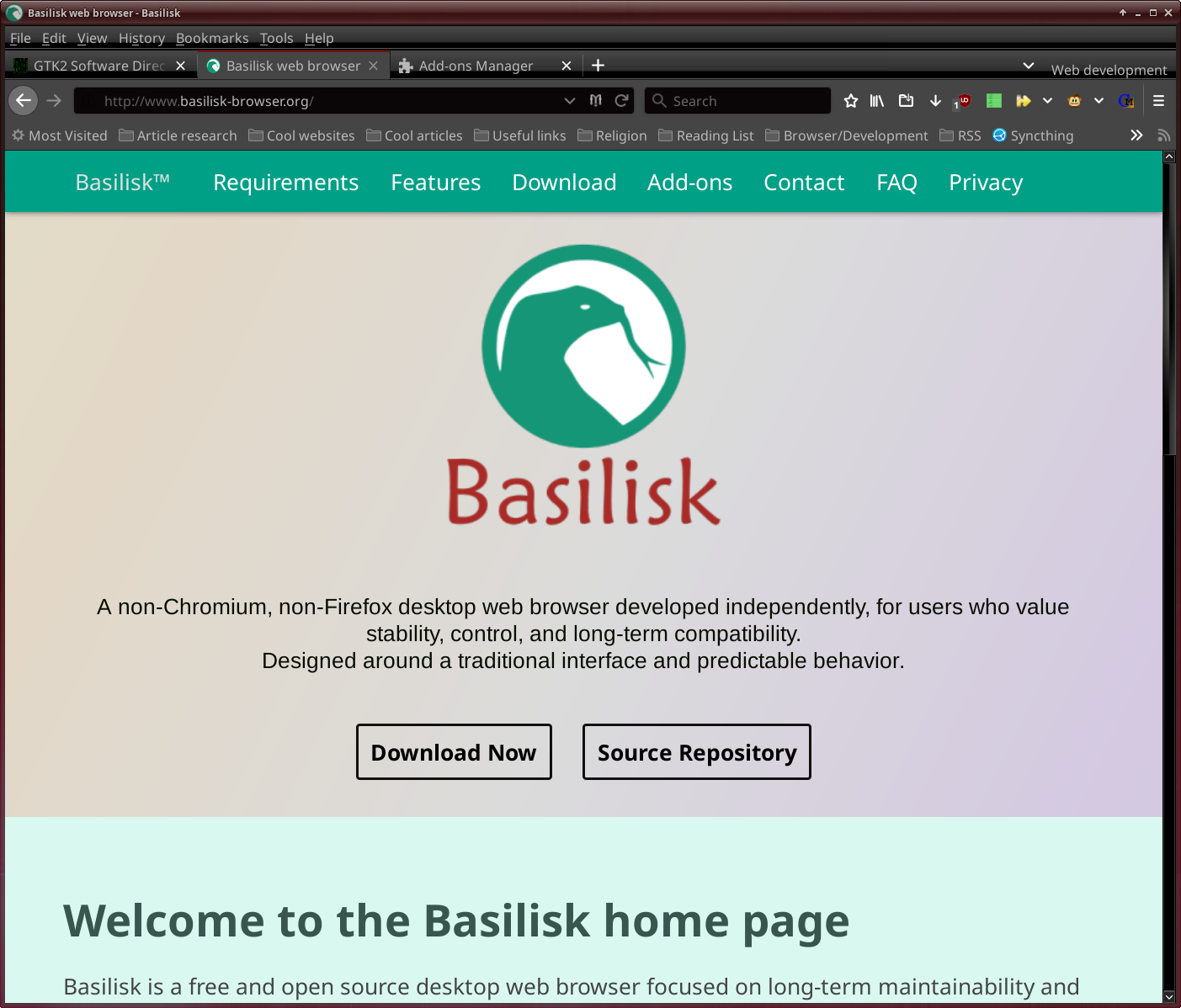
Pale Moon or Basilisk is the best browser you could use these days. Unlike Firefox or Chrome, it is lightweight, has powerful addons, etc. The only caveat being that modern soydev made sites such as YouTube, Pisscord (discord), or other massive 20mb JavaScript tracking pages/reactjs websites do not run that fast. It uses by far less RAM than chrome or firefox, consuming only 100mb on startup, which is about half or even a third that of the rest of the browsers. When I have about 10 tab groups open with each 5 tabs on average, it consumes 600mb ram in contrast to firefox, chrome & forks which use in the several gigabytes. It's really amazing that the other browsers are so bad, because even pale moon has its issues and is far, far better than the competition. I guess you could look at google's tight grip on the web development standards in place, and then you start to see the issues. Because the issues with browsers mainly stem from issues with web developemt. Bad webdev leads to a worse browser, which is actually a major reason why firefox and chrome are so bad, and why it is so hard to develop a new browser engine. You'd have to ensure compatability with the zillions of slop web standards which are used these days.
I think that Pale Moon could support even better GTK2 theming. In SeaLion, the interface looks more in line with the rest of the system. Still, this is a very minor complaint because Pale Moon looks amazing. It can even be completely redesigned using the themes available in the addons store. Unlike firefox or chrome, which just apply a different colour to the browser, you can completely change the icons, ui, etc with just one theme. If you want real customisability, then this is your browser of choice.

Basilisk
BadWolf
BrassMonkey suite
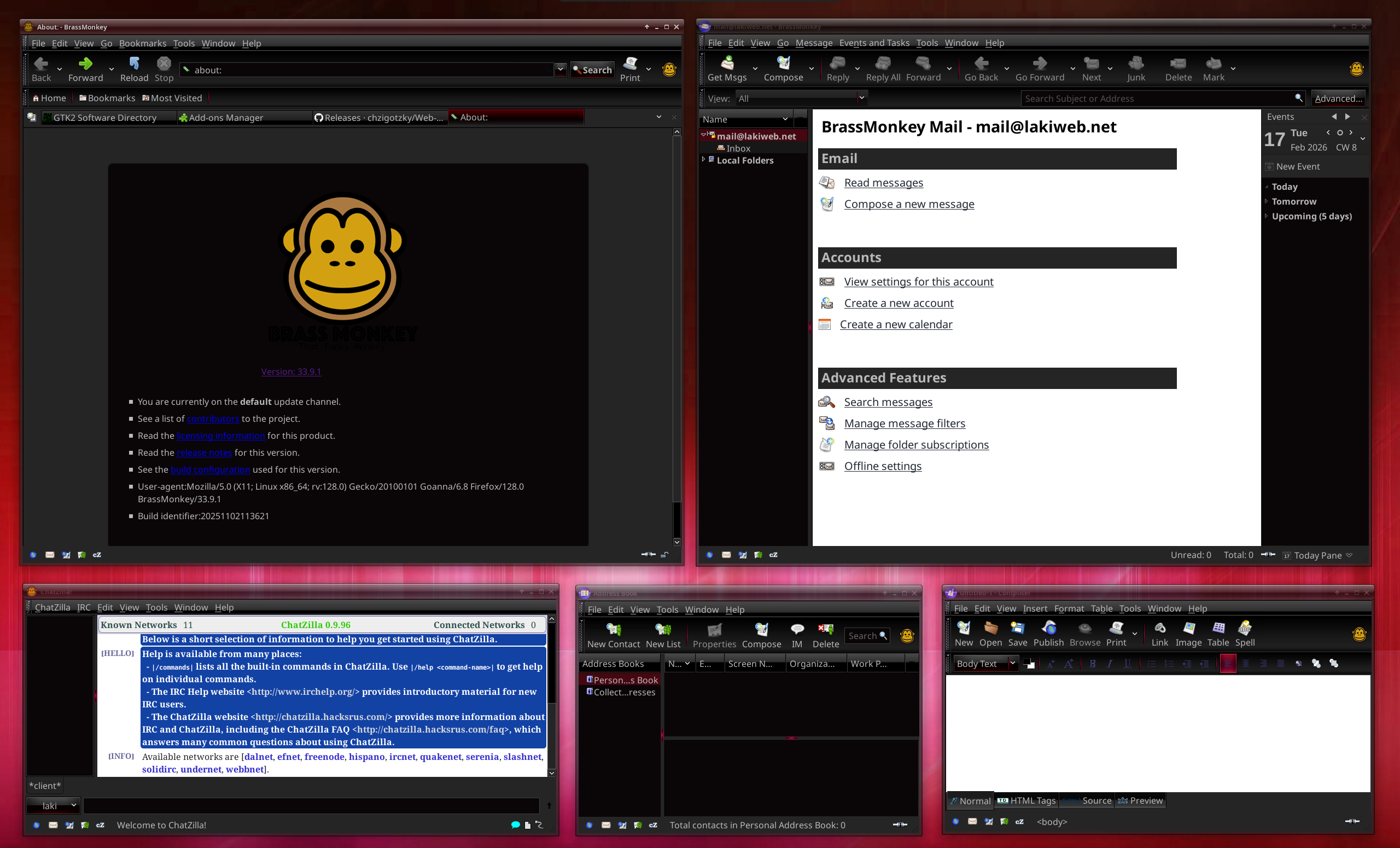
BrassMonkey is a fork of SeaMonkey and sits on top of the Pale Moon UXP plaform. It contains a browser, email client, HTML editor, chat client, and address book. It is quite the tool!
SeaLion
SeaLion is pretty much just the standalone browser that comes with BrassMonkey, if you do not desire all the extra applications.
NetSurf
A web browser focusing on being lightweight. Uses about 50mb ish of RAM when booted up. Does not support more modern websites obviously, but still a gem to keep in mind when using very old hardware. Again, this is the fault of web developers, not the actual browser. For example, well written websites such as mine, or the cyberix network work, even for forum posting.
Liferea RSS reader
Chat clients
Pidgin
Looks really nice with its GTK2 theme, AND it supports many other chat clients such as IRC, DISCORD, etc. But unfortunately it has no proper OMEMO support so can be considered useless for private chats. Does not support MAM either which means that group chats can also be considered pretty useless if they have MAM enabled (you want to look at chat history on the server without constantly having Pidgin open). The next Pidgin version (3.0.0) will use GTK3/4 and support OMEMO, MAM, etc, but will probably look like garbage on GTK2 themes. Too bad!
Gajim 0.16.9
Is nearly impossible to set up in present day. Requires a lot of dependencies which cannot be met.
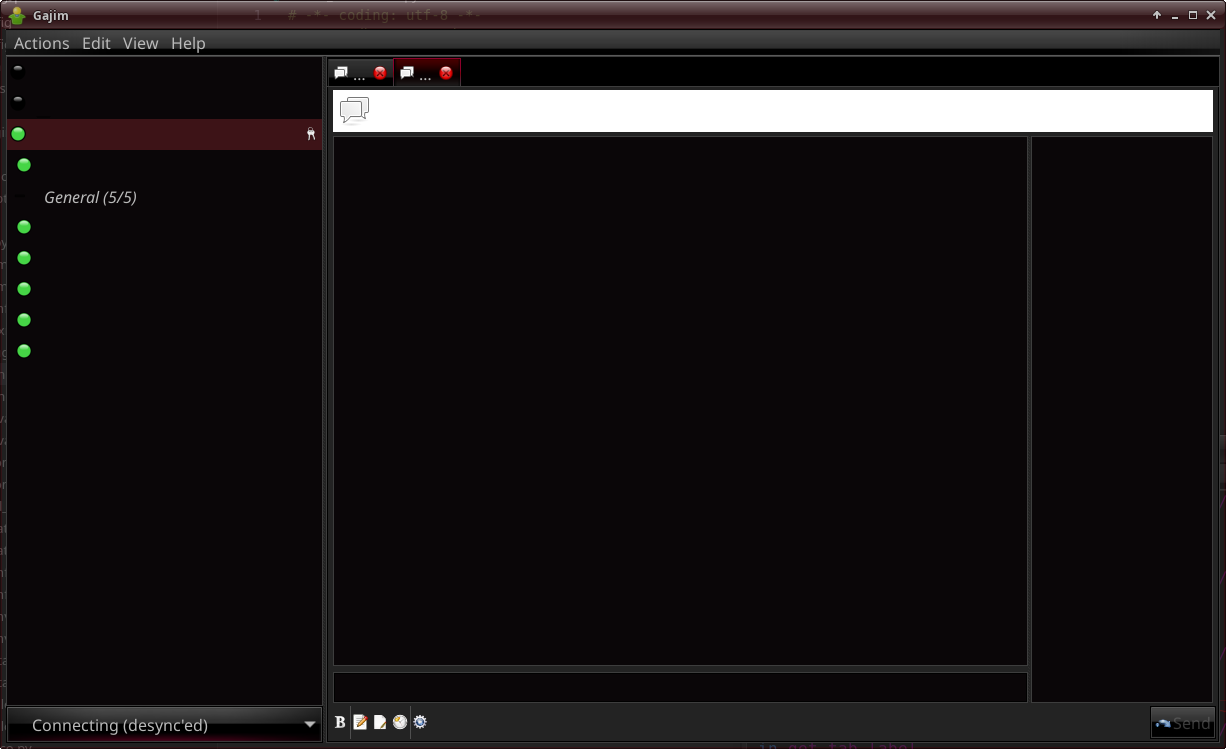
HENCE WHY I am developing a FORK of Gajim 0.16.9. No guarantees as it looks very complicated to fix. At least I have made some progress and have managed to open the application, get some accounts to connect, etc.
HexChat
Claws mail
Claws mail is a decent looking email client, at least if you have a light theme activated. Using my DarkCold theme, the application has some areas that just look off. Might just be an error with my system though. Apart from this shortcoming, it has some crazy features:
- Most secure email client
- Support for various plugins and icon themes
- Support for different displays, including separate LCD (some older laptops have grayscale LCDs below/above their palmrest
- Tray icon (not libayatana-appindicator though)
Despite all of these features, I still prefer and use Epyrus as my main email client. You will find out why in that section of this article.
Epyrus
BrassMonkey
File sharing
Transmission
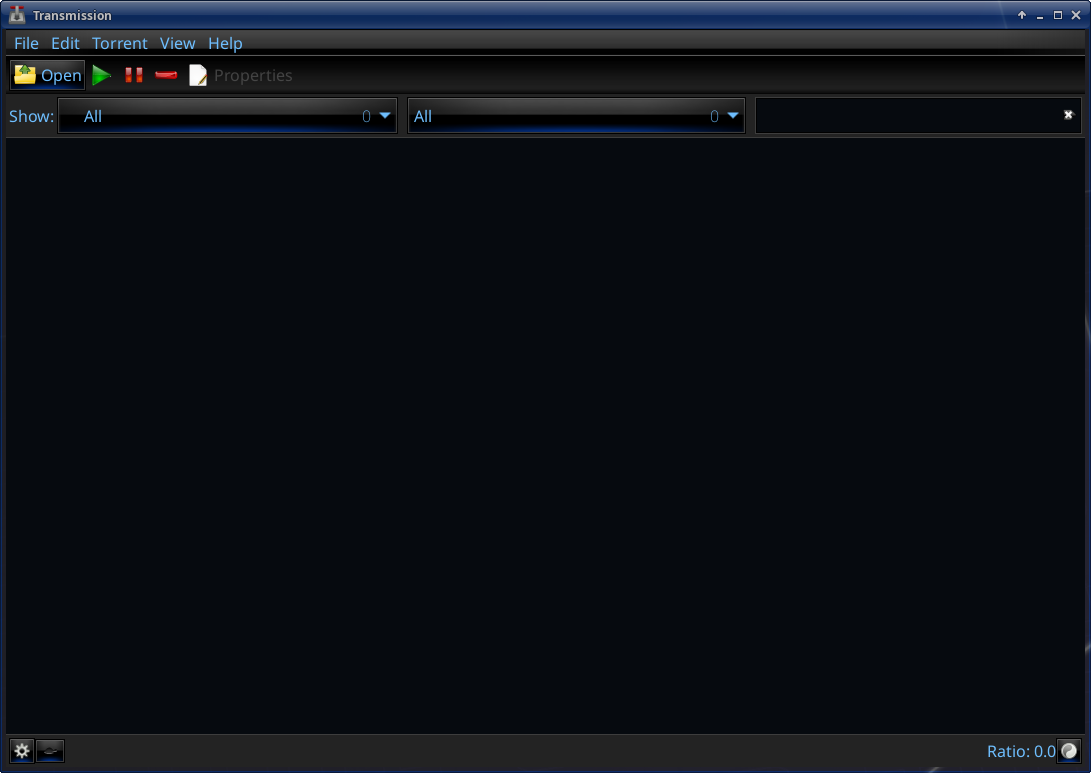
Transmission is the lightest torrent client with a GUI. It can be used as a GUI or in the terminal.
I have updated and fixed Transmission version 3.00 (specifically 3.00 because it was simply the first version I tried), with an updated tray icon (libayatana-appindicator) which makes it more compatible with some GTK themes. I also packaged it into a debian package so that it is easier to install on debian-based systems - previously, you had to compile it with meson which displayed a bunch of errors. A normal tarball with install script will be released soon.
I will see if other versions are suited for a fork, but this is a GTK3 application that at least looks decent on GTK2 themes.
Download will be available soon!
Deluge
aMule
Nicotine+
Nicotine+ (plus) is a GTK3 client for the popular SoulSeek music and file sharing network. It by default displays the terrible window decoration, but that can be disabled in the preferences: File -> Preferences -> User Interface -> Use header bar (on/off).
Others
XFCE Terminal, MATE Terminal, etc
Terminator terminal
Lilyterm
Parcellite or clipman clipboard manager
GParted partition & disks manager
Viewnior image viewer
GPick color picker
gcolor2 color picker
gtkman man page reader
Hardinfo - old versions
gFTP
meld - old versions (version control and file comparison)
zenmap 7.9.2 (nmap security scanner GUI
xsane (scanner application)
gbdfed (GUI editor for the .bdf bitmap font format)
Tartube
Redshift
Redshift isn't really a GTK2 program because it's just a script + tray-icon, but at least that tray icon supports the libayatana-appindicator. It has been a lifesaver when it comes to my eyes because previously, even the minimum brightness setting on my laptop strained my eyes, but because of Redshift making the colour temperature a lot warmer, the screen is so much nicer to look at.
(Add my configuration here and how to set up redshift)
Guvcview webcam software
Cheese camera
More user friendly than Guvcview in my opinion, too bad it uses the dumb GTK3 window decoration. I will probably make a fork to get rid of it.
Inkscape
The most advanced GTK2 painting software, has all the features you would ever need (unless you are maybe a professional digital artist)
Gnumeric
Requires an actual review but at first glance, it looks pretty good as a spreadsheet editor.
GNUcash
AbiWord
A standalone word processor. I wouldn't recommend using it because it is pretty sluggish and doesn't work well.
Zim Desktop Wiki
Video editing
I don't have much experience video editing so this section will focus on ease of use/interface and style.
Avidemux
Modern versions of Avidemux (after 2.5.6) use Qt as their interface. I wanted to test out the GTK2 version (2.5.6), so I tried to compile it and ran into a heap of errors. I have made some modifications to the code to make it run once more.
Kino editor
LiVES
Cinelerra
etc
GNOME drawing
A good painting program that is the most similar to MS Paint that I could find.
LibreOffice GTK
I didn't think that LibreOffice had a GTK3 compatible version, so it was a surprise to me after I spent ages trying to find alternative software. It looks pretty good on my theme (with some very minor placement issues), and obviously contains the full LibreOffice suite which is amazing. What can I say, it is nicer than Microsoft Office and has a ton of customisability. The only good office suite for Linux.
Atril PDF
The best PDF viewer for linux in my testing. The only one to support GTK2. It is maintained by the MATE developers and comes as standard with that desktop environment.
Veracrypt
PeaZip, xarchiver or Engrampa Archive Manager
Stardict
Lightning calendar for UXP applications (Epyrus, SeaLion, BrassMonkey, etc)
In my opinion the best calendar for GTK2/linux. It isn't even proper GTK2 since it is just a plugin for UXP applications, yet it still manages to beat the rest of the options. It's a shame it isnt available as standalone anymore (see mozilla sunbird). Maybe, I should make a GTK2 calendar? (possibly based on lightning???)
Doesn't support my CalDAV calendar on Epyrus for some reason (haven't tested other applications). Apparently it supports it better when selfhosted - mine is NextCloud on my webhosting server.
Orage calendar
I guess it works, so I'll put it here. It barely just works enough for it to be considered a calendar. Looks viable to be forked though, which I will likely do at some point.
Evolution calendar (GNOME)
Also contains email, contacts, tasks and memos. Very bloated (install size 85mb). Pretty bad design and by default uses the ugly GTK3 option where there are options in the window decoration (top bar where there are the close, minimise options)
Mirage / Eye of MATE - Image viewers
Old versions of GIMP - photo editing
Still can't draw a circle, but whatever. Newer versions look like ass, but older versions look fine. I will add download links here and version numbers. There are also other proto editing and painting programs I should add to this list.
Geany IDE
The best IDE, what can I say. Supports all relevant features and has a lot of cool plugins, such as a MarkDown viewer plugin, making it de-facto the best proper MarkDown viewer on linux.
Bluefish IDE
The real old-skool IDE.
RedNotebook - Journal/Diary
Cool lightweight journalling application. Has a word cloud feature which I appreciate and just overall has the basic features that you would expect. No complaints from me, but I do not use it as paper journaling is superior.
XFCE 4.12 applications - mousepad, thunar, etc
You can setup XFCE 4.12 which includes GTK2 applications such as Mousepad, Thunar, and other system utilities. I will make a guide on how to do so with (maybe) an install script.
MATE applications - Pluma, Caja, etc
MATE also comes with GTK2 applications, similarly to XFCE.
SpaceFM, Thunar- File manager
SpaceFM is a really cool file manager as mentioned
Audacious or older QuodLibet versions - music player
I don't like QuodLibet because it is a Python program and they SUCK! Python should only be used for programs a couple hundred kilobytes in size at MOST, otherwise they just end up not working well. Not to mention what happened when Python3 came out and all unmaintained Python2 programs stopped working!
Audacious, on the other hand, is an really cool program. I have a few minor nitpicks with it, but it works really well overall.
XFCE4 "Time Out plugin" fork
Because Time Out is a tray plugin, it isn't really a "program". But it is still useful and I am pretty happy with my progress on it so far.
The developers of the original Time Out plugin said this about it:
[The] Xfce4-time-out-plugin makes it possible to take periodical breaks from the computer at user-configurable intervals. During breaks it locks your screen for a period specified by the user. It optionally allows you to postpone breaks for a certain time.
It is supposed to be a way for people to take breaks from their screen:

The core goal of this plugin is to automate the healthy habit of taking regular breaks from computer use. Instead of relying on manual timers or memory, the plugin handles the schedule for you, ensuring you step away from the screen at the right intervals.
I thought that it would be a good idea to convert it into more of a work/study timer, whilst still maintaining the previous functionality.
Changes I have made so far include:
- Libayatana-appindicator support (makes the program more compatible with various GTK themes)
- Changed the menu system to work better. It now allows for left click to open menu, middle (scroll wheel) click to start/stop timer, and start/pause + stop functionality (resets the timer)
Download will be available soon!
NetworkManager Applet fork
This is just a small fork I made of the NetworkManager Applet which gives it libayatana-appindicator support.

Adding libayatana-appindicator support basically means that on some themes, the tray-icon will fit in better, e.g. on the DarkCold GTK2 theme that I use.
Download will be available soon!
Markdown viewer and editor
I created a GTK2 markdown viewer and editor in case anyone needs one. I just cannot be bothered to install one of the 100+mb in size programs.

Download will be available soon!
Media player
I tried to find a GTK2 media player for linux, but didn't find any. So, of course, I made my own.

It runs on libmpv as a backend, and is written in C using proper GTK2 theming. In version 1, I have added support for all basic MPV features such as subtitles, audio tracks, screenshot, seeking, Lua scripting, and conf files (mpv supports these already).
The application already works better than GNOME Celluloid, in every possible way. Pretty crazy how I was able to make a better player than experienced developers with zero funding.
As with my other programs (I should make a "motto" with design principles I believe in), config stuff is stored in ~/.config, and I use plugins to add support for features which not everyone needs (hence keeping the application lightweight).
You can download the source from my git repository, but beware that you need libgtk2.0-dev to compile it. Compiled builds will be available soon.
88x31 Button Maker
I made a simple 88x31 button generator that works using ImageMagick. It is written in Python, though I may attempt a C rewrite at some point because Python kinda sucks.
You can download this program from the git. Just go to commit -> download. Proper easy to download releases will be available soon.

Here's a button I made with it to showcase its features:

And the JSON which you can import into the program to edit it here:
88x31-maker.jsonI have also made these cool buttons using it:


Not GTK2 but still useful
qBittorrent
The only torrent client with a built in search engine. Also works very well, but is more bloated than Transmission. Only better if you want a search engine built in. Otherwise just use Transmission, and if you want to search for a torrent just use Knaben.org (archived).
XFE file manager
Dillo web browser
LibAyatana-AppIndicator shortcomings
Whilst working on the Audacious tray-icon fix for LibAyatana-AppIndicator, I noticed that it has a pretty serious lack of features:
- You cannot open the application by clicking on the icon (unless you add an option for it inside the menu, e.g. "Show qBittorrent", which qBittorrent employs)
- Special effects (track information and icon for Audacious) cannot be displayed
This limits the amount of applications it should be applied to. For example, Audacious would not suit it well, though you could provide some workarounds to the problem, as mentioned above (qBittorrent example). For a simple panel plugin like Time Out, it is well suited. I am not sure why my theme (DarkCold/DarkBlood) requires it for proper taskbar theming. I guess it just looks better with the black borders.
Feel free to share ideas by contacting me.
Back to the front page